Where the time goes
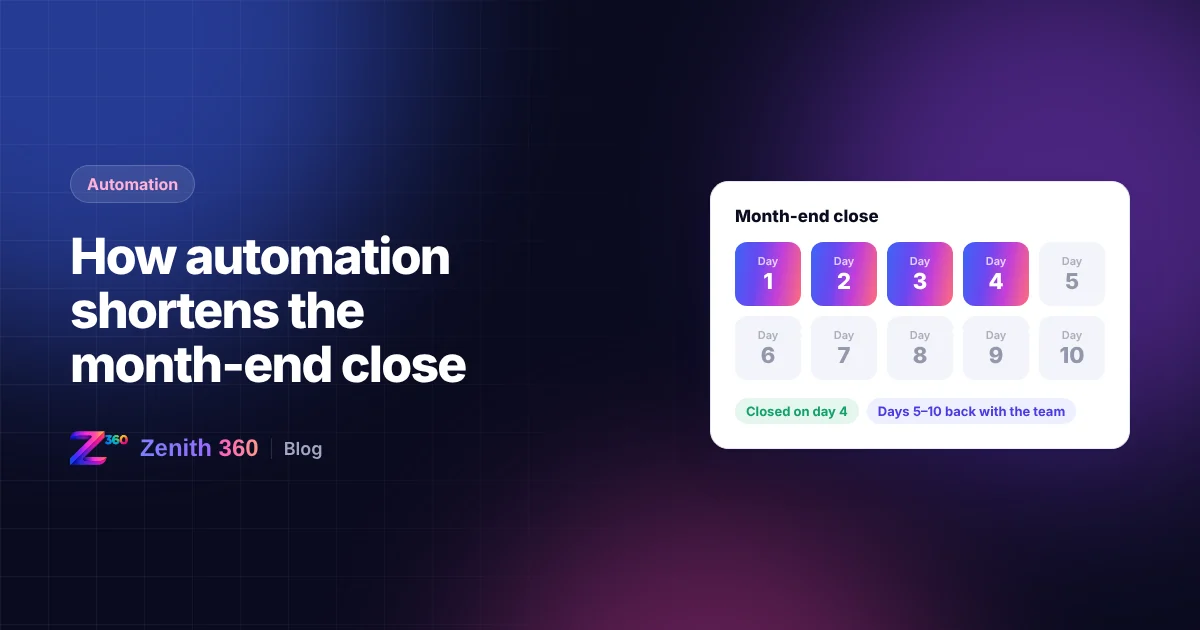
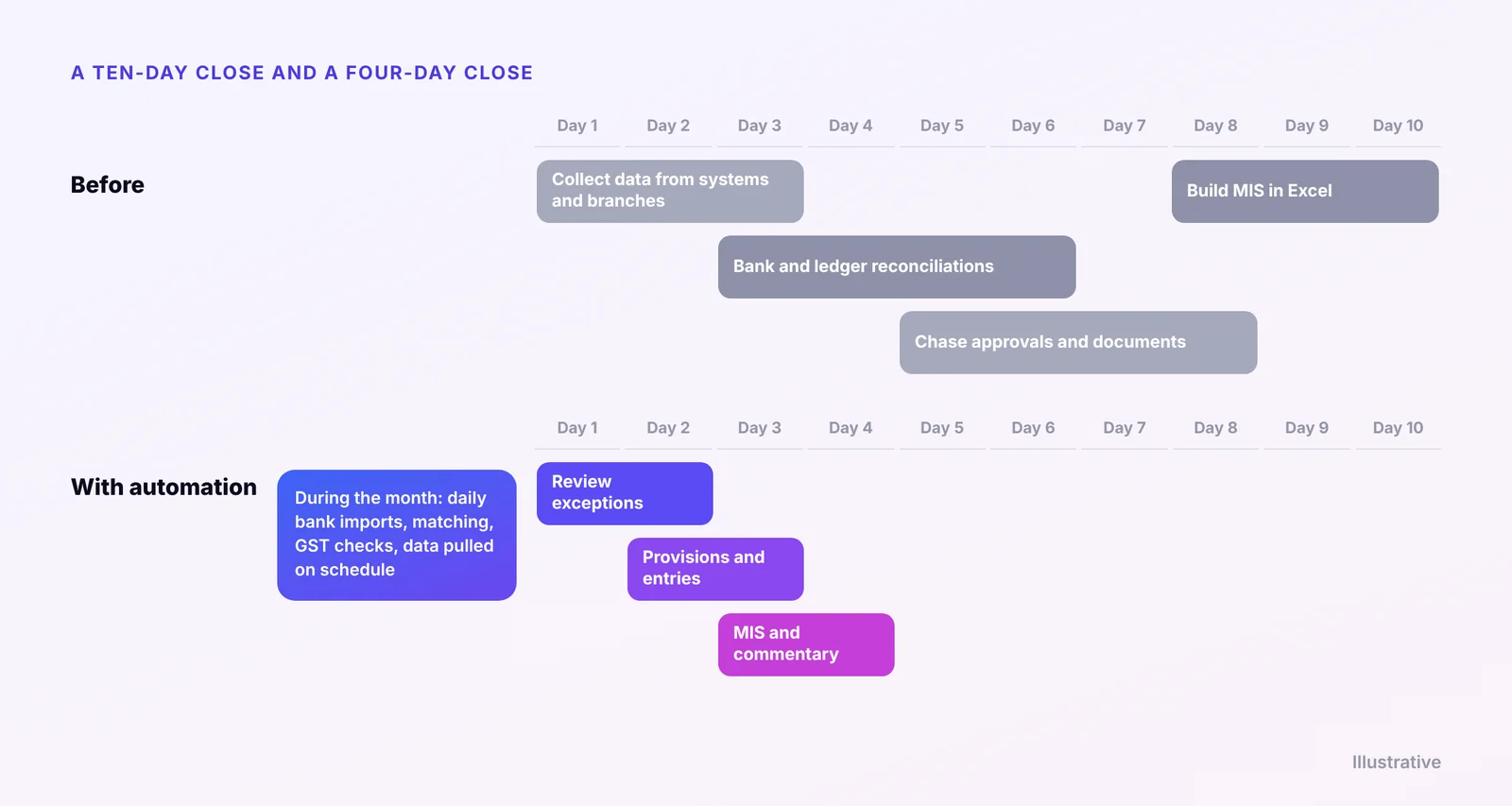
Ask a finance team why the books take ten days to close and the answer is rarely the accounting itself. Most of the time goes on getting data in and getting it into shape:
- Waiting for data: bank statements, branch sales, stock reports and vendor bills that arrive late or in different formats.
- Reconciling by hand: bank accounts, inter-company balances, GST and sub-ledgers matched line by line in Excel.
- Chasing people: approvals, missing invoices and explanations for unusual entries.
- Building reports: copying figures into the MIS workbook and checking that they tie back to the books.
- Rework: fixing errors found late, then rerunning everything that depended on them.
All of these steps can be automated or moved earlier in the month. Most of the judgement in a close sits elsewhere.
Steps that automate well
| Step | What automation does |
|---|---|
| Bank reconciliation | Statements are imported every day and matched on amount, date and reference. The team reviews only the exceptions. |
| Data from other systems | Sales, purchases and stock from SAP, Tally, Zoho or branch systems are pulled on a schedule, not emailed at month-end. |
| Inter-company balances | Balances are compared across entities and differences are flagged as they arise. |
| Recurring entries | Accruals, prepayments and depreciation are prepared from templates for review and posting. |
| GST data | Purchase data is matched with GSTR-2B during the month. See our GSTR-2B reconciliation guide. |
| MIS pack | The pack is generated from the books once they are closed. See one MIS across SAP, Tally and Zoho. |
Move the work into the month
The biggest change is not doing the same work faster at month-end. It is doing most of it during the month. When bank lines are matched daily, sub-ledgers reconciled weekly and data flows in on a schedule, very little is left for the close itself.
A close checklist everyone can see
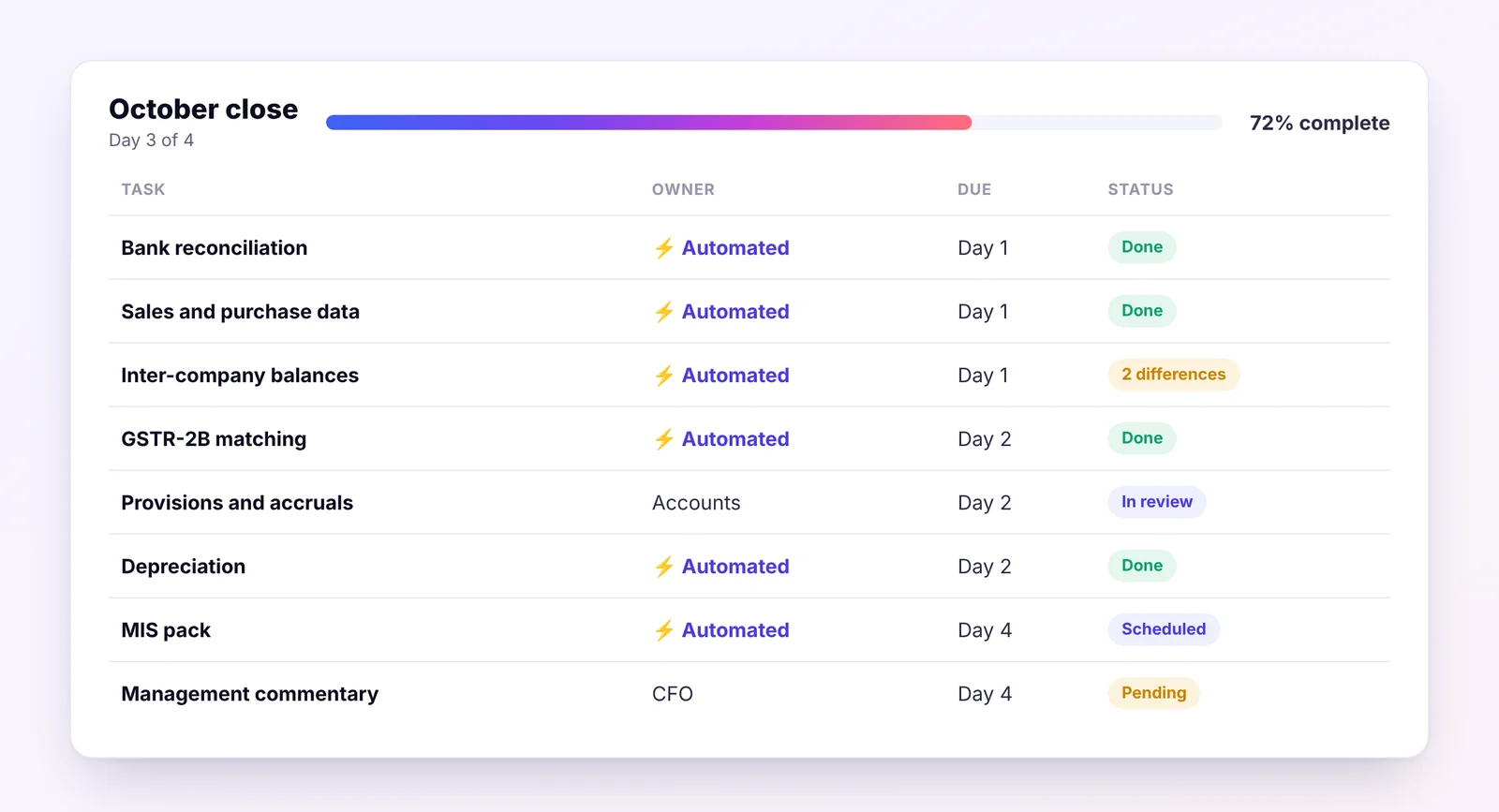
A shared checklist turns the close from a series of emails into a process anyone can follow. Each task has an owner, a due day and a status, and anything running late is visible straight away. Automated steps tick themselves off; the rest are updated by the people responsible.
What stays with people
Automation removes the collecting and matching. It does not remove the thinking. People still need to:
- estimate provisions and judge doubtful debts
- review and resolve the exceptions that automation flags
- explain the numbers, and write the commentary management reads
- approve the entries that matter
These are the tasks finance teams should be spending their time on, and automation gives them that time back.
How to get started
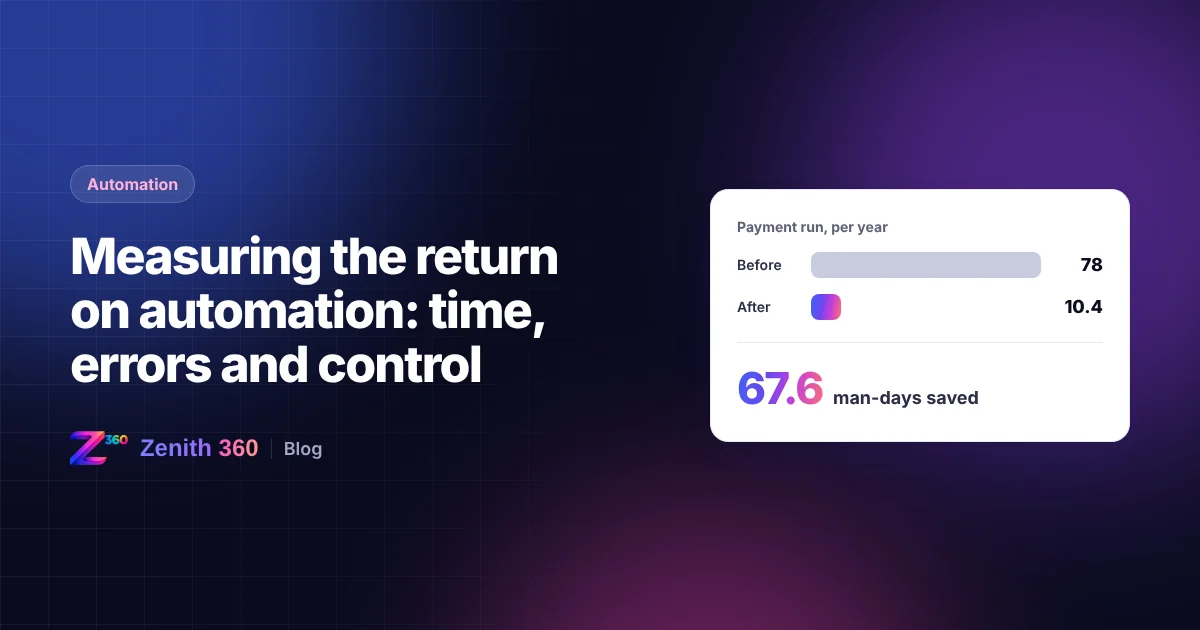
- Measure how many working days your close takes today, and which steps take longest.
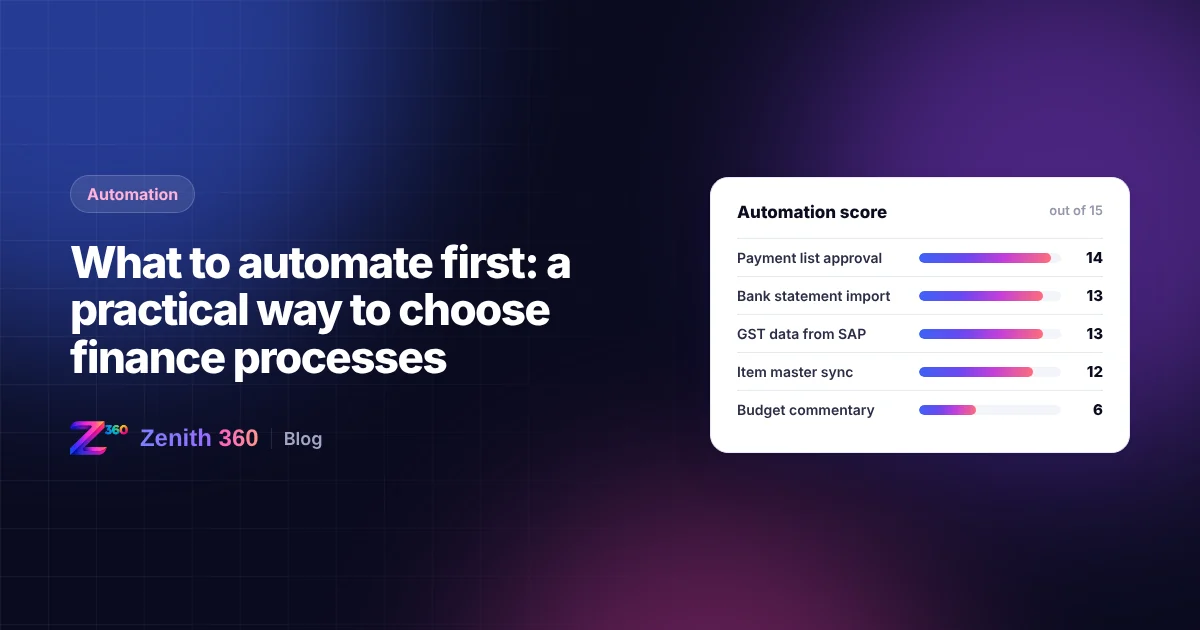
- Pick the two steps that take the most time, usually bank reconciliation and data collection.
- Automate those, and move them into the month.
- Measure the close again after two or three months, and choose the next steps.
How Zenith 360 helps
Zenith 360 routes data from SAP, Tally and Zoho on a schedule, matches it, flags exceptions for review and presents the MIS once the books are closed. See how this worked for a business on Tally and Zoho in our case study, or book a process review to find the slowest steps in your own close.

Aniruddha has spent more than ten years in finance, tax and business systems for Indian companies, and founded Z360 Systems to automate the work finance teams still do by hand. More about Aniruddha