The gap in most accounting software
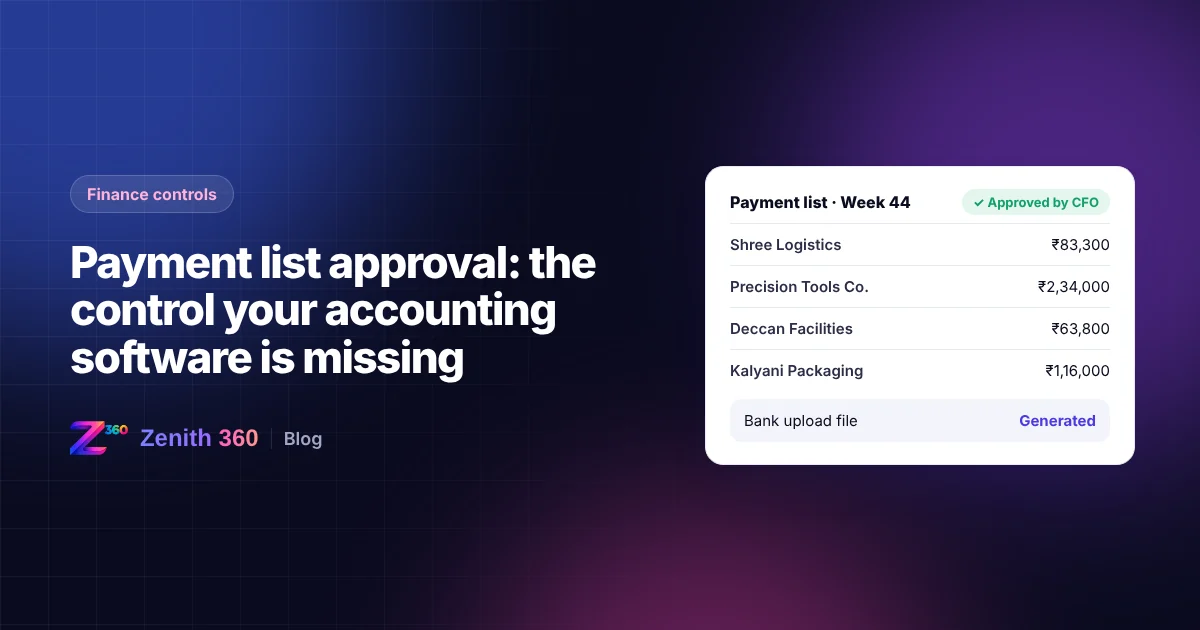
SAP, Tally and Zoho are all good at recording bills and payments. What most setups cannot do is put a list of proposed payments in front of an approver, capture the approval, and only then release the money.
So companies fill the gap by hand. Someone lists due bills in a spreadsheet, emails it for approval, waits for a reply, logs in to the bank portal and keys or uploads each payment, and then records the payments again in the books. Every step leaves room for error: a payment to an outdated bank account, a bill paid twice, or an approval no one can find six months later.
What maker-checker means
Maker-checker is a simple control: the person who prepares a payment cannot be the person who approves it. The maker builds the payment list; the checker reviews and approves it. Neither can complete a payment alone.
Why it matters Separating these duties is one of the most basic internal financial controls. It protects the company against errors and fraud, and it protects staff, because every payment carries two sets of eyes and a recorded approval.
How the flow works through Zenith 360
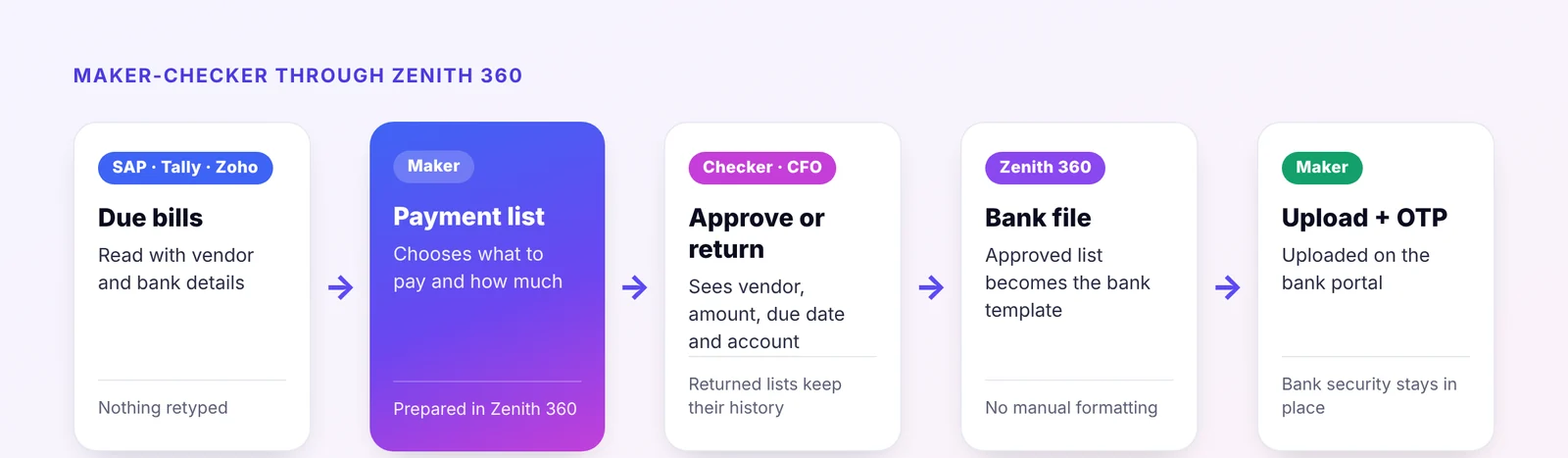
- Zenith 360 reads due bills from your accounting system, whether that is SAP, Tally or Zoho, along with vendor and bank details. Nothing is retyped.
- The maker prepares the payment list in Zenith 360, choosing which bills to pay and how much.
- The list goes to the checker, typically the CFO, who sees each vendor, amount, due date and the bank account being paid.
- The checker approves or returns the list with comments. A returned list goes back to the maker, with its history kept.
- Zenith 360 converts the approved list into the bank's upload template, so no one formats a payment file by hand.
- The maker uploads the file on the bank portal and authorises it with an OTP, so the bank's own security stays in place.
Why a separate layer works better
Building approvals inside each accounting system is slow and, in many cases, not possible. Running them through Zenith 360 has practical advantages:
- Your accounting system stays as it is. Your team keeps recording bills the way they do today.
- The same control works across systems. A group with entities on SAP, Tally and Zoho gets one approval process and one dashboard.
- Approvers do not need accounting access. Directors approve payment lists in Zenith 360 without a licence for the accounting software.
- Everything is visible in one place. Lists prepared, approved, returned and paid, with who did what and when.
Controls worth adding
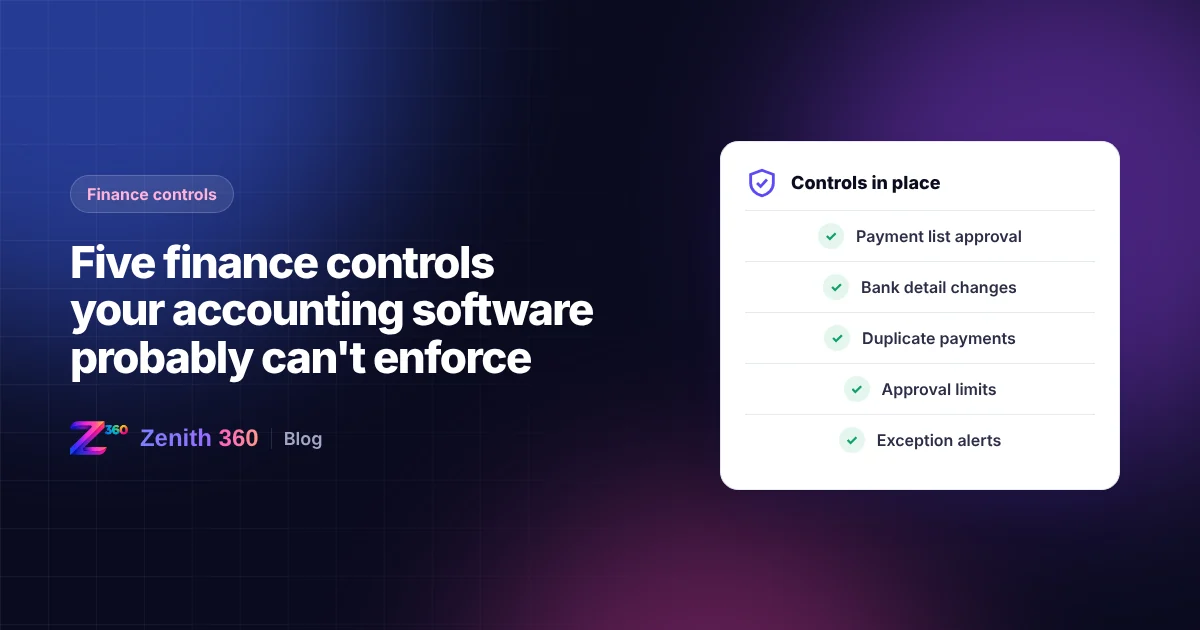
| Control | How it works |
|---|---|
| Vendor bank detail changes | Changes to a vendor's bank account need separate approval before they can be paid |
| Duplicate check | Flag payments for the same vendor, bill number and amount within a set period |
| Approval limits | Larger lists or payments go to a second, more senior approver |
| No self-approval | The person who prepared a list cannot approve it |
| Audit trail | Every action is logged with user, date and time |
What changes for the finance team
- No payment leaves without a second approval.
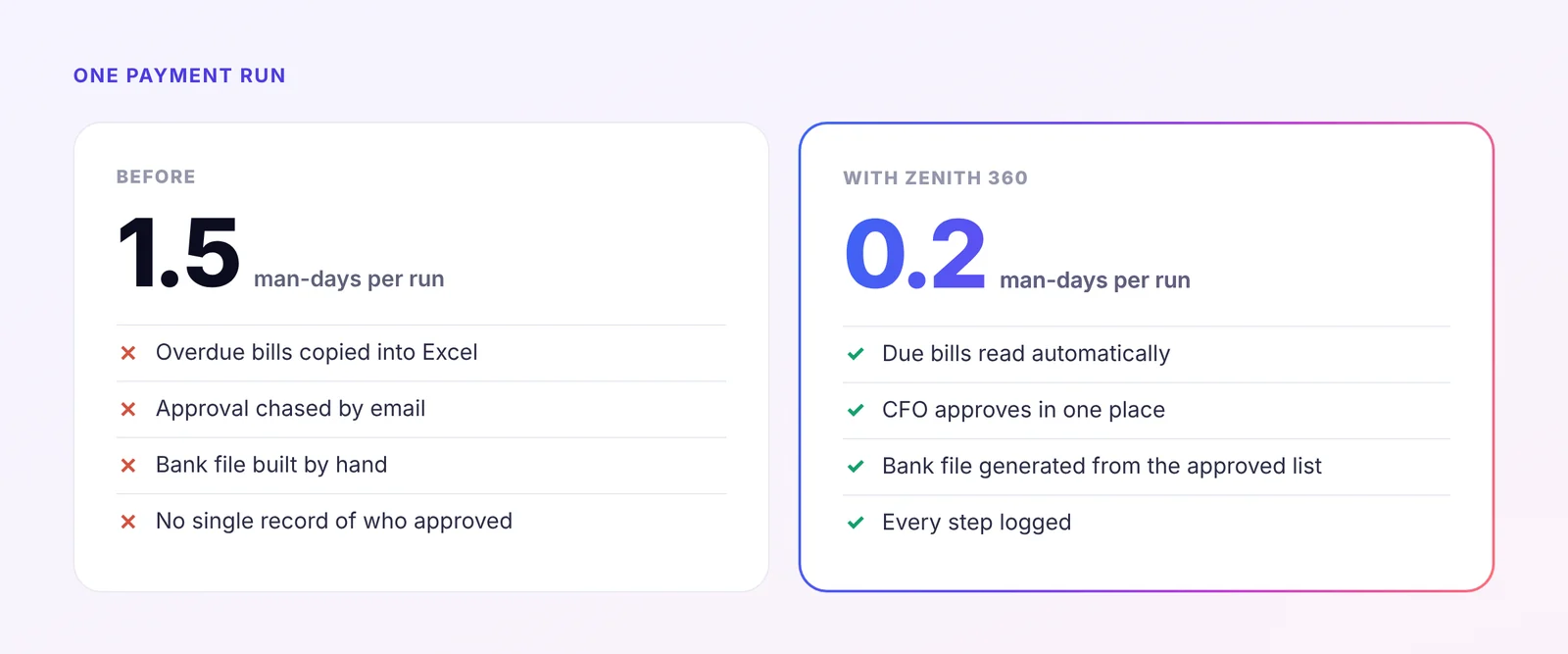
- The bank file is generated automatically from the approved list, which removes the most common source of payment errors.
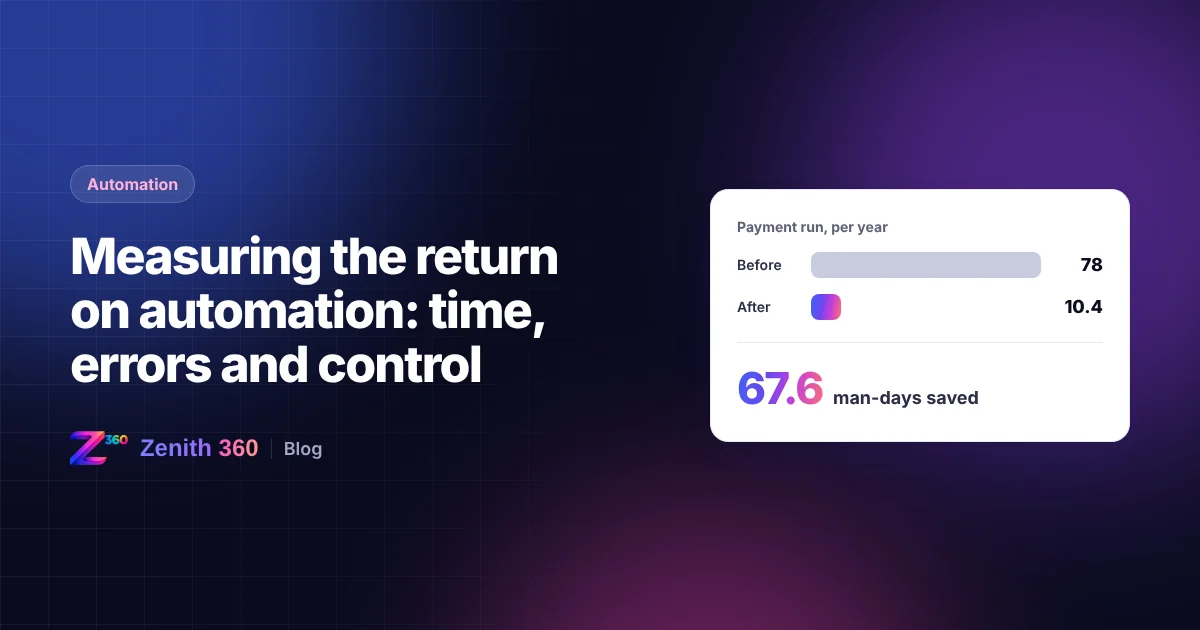
- In the case study below, a payment run that took 1.5 man-days now takes 0.2 man-day.
- Auditors get a complete approval trail for every payment, in one place.
For more controls of this kind, read five finance controls your accounting software probably can't enforce.

Aniruddha has spent more than ten years in finance, tax and business systems for Indian companies, and founded Z360 Systems to automate the work finance teams still do by hand. More about Aniruddha