Where accounting software stops
SAP, Tally and Zoho are built to record transactions accurately. They are less good at the steps around those transactions: who approves what, when, and what happens when something looks wrong.
In most companies, those steps run on email, WhatsApp and spreadsheets. They work most of the time, but they leave no reliable trail, depend on individuals remembering to do them, and are the first thing an auditor asks about.
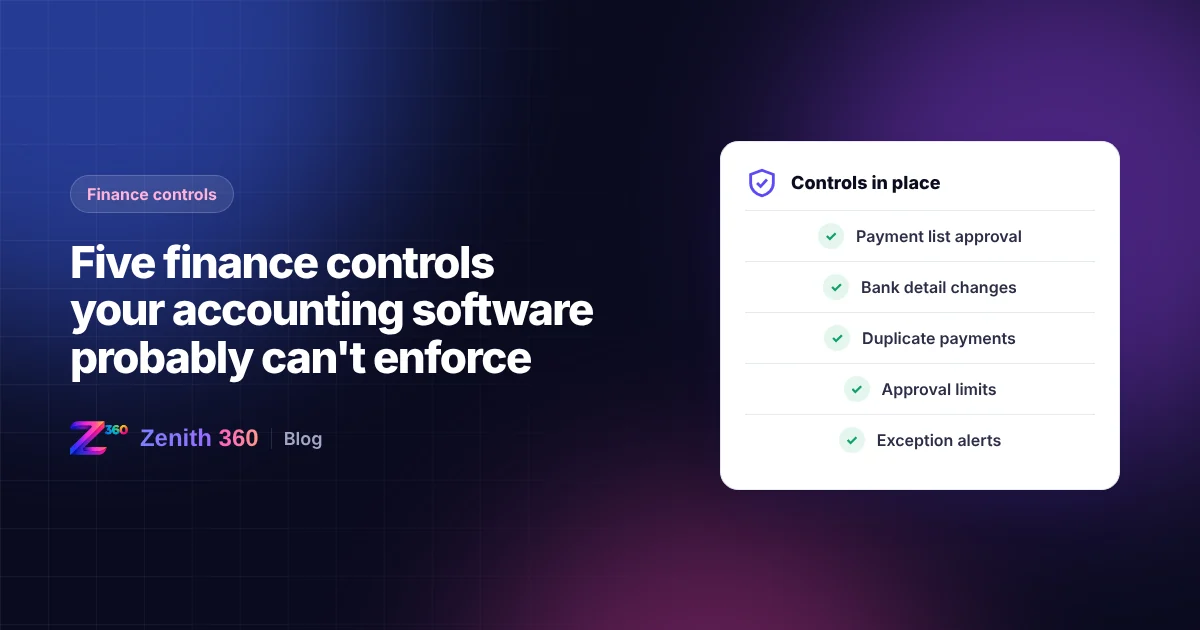
Here are five controls that commonly fall into that gap.
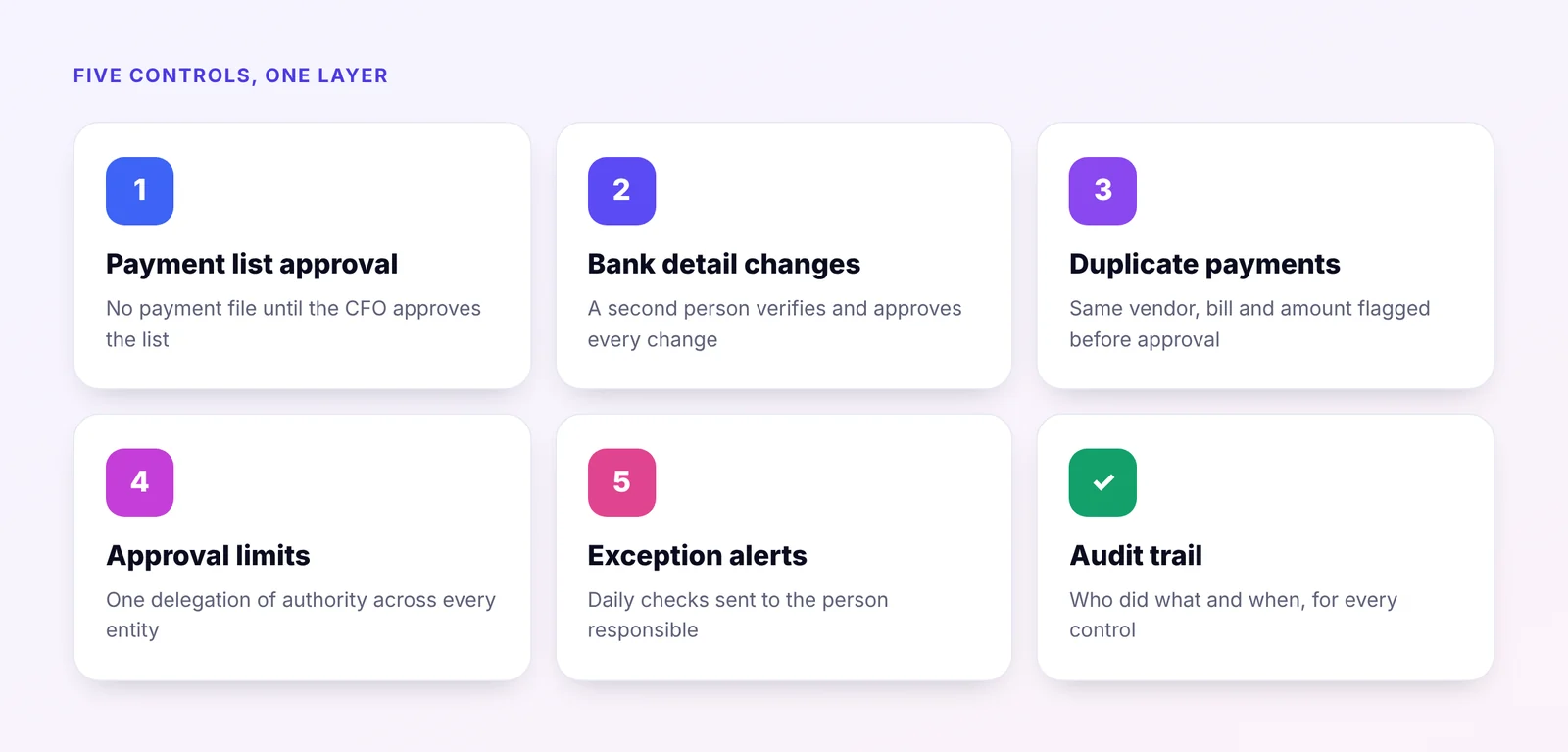
1. Payment list approval before money leaves the bank
The gap: the accounting system records payments, but cannot put a list of proposed payments in front of the CFO for approval before they are made.
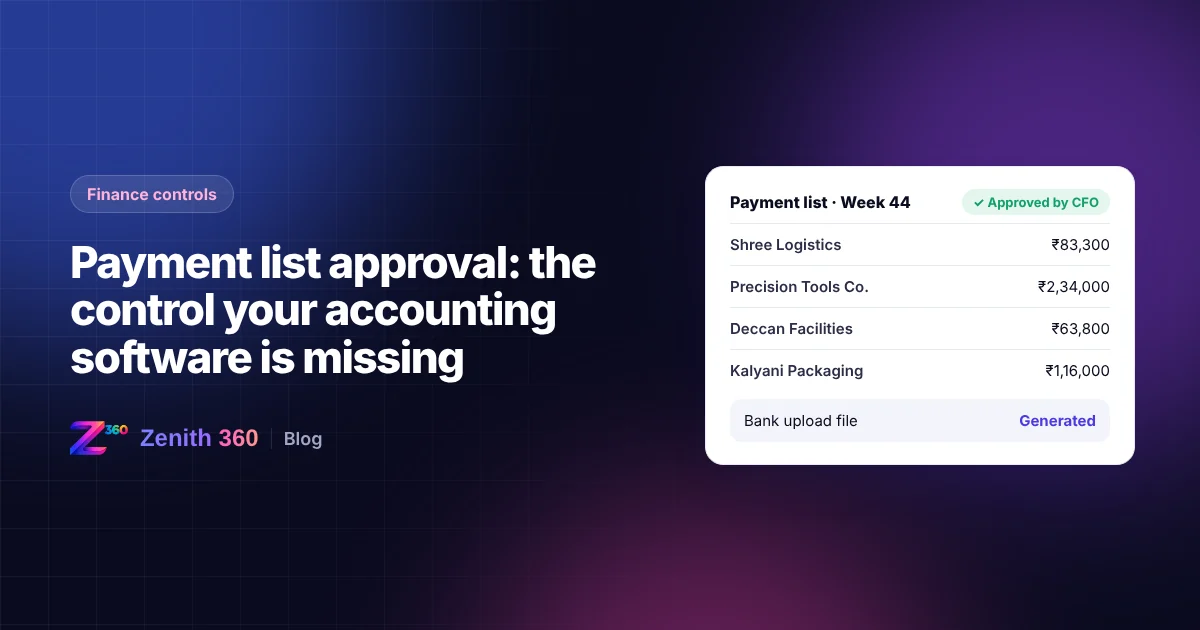
The control: the accounts team prepares the payment list from overdue bills, the CFO approves or returns it, and only the approved list is converted into the bank's upload file. The person who prepares the list cannot approve it.
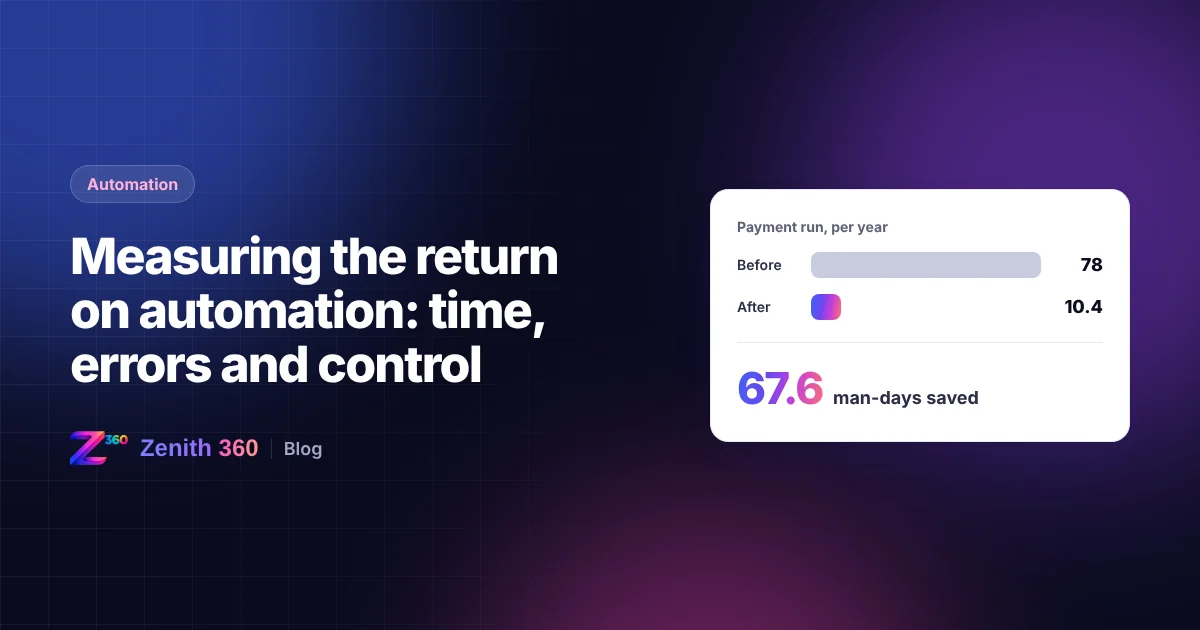
This is the control behind our payment list approval case study, where a payment run went from 1.5 man-days to 0.2. We explain it in detail in payment list approval: the control your accounting software is missing.
2. Approval of vendor bank detail changes
The gap: anyone with access to the vendor master can change a vendor's bank account, and the next payment goes to the new account.
The control: a change to bank details is held until a second person verifies it with the vendor and approves it. Payments to that vendor are blocked until the change is approved.
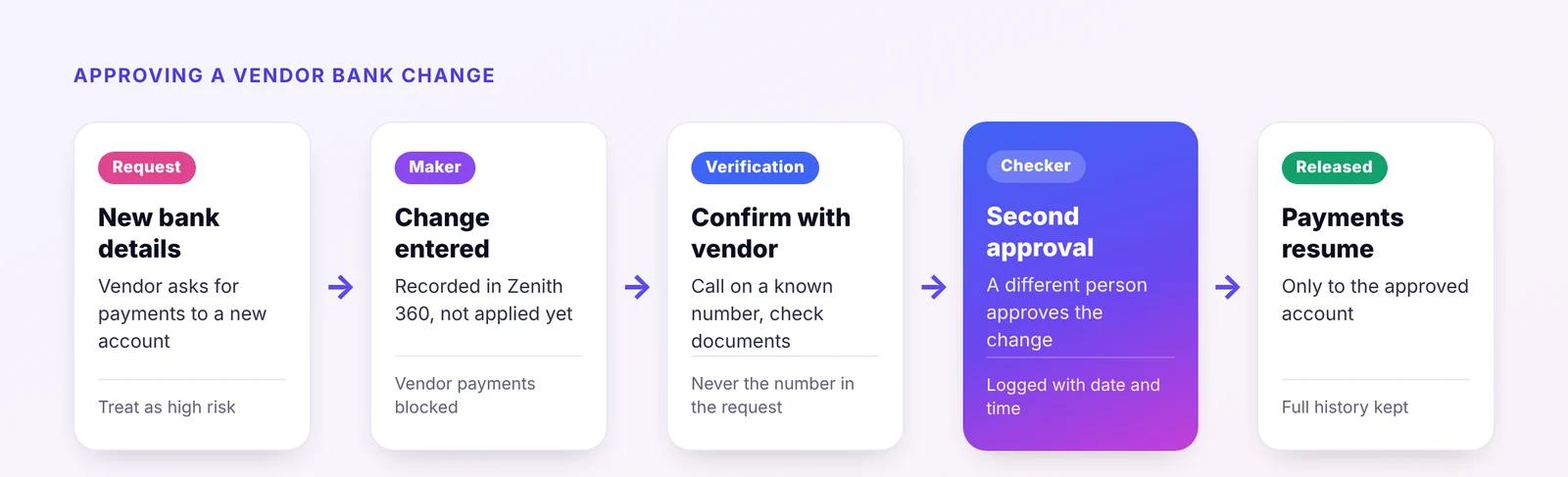
Why it matters A changed bank account is one of the most common routes for payment fraud. A request that appears to come from a known vendor, asking for payments to a "new account", should never be actioned by one person alone.
3. Duplicate payment detection
The gap: the same bill is entered twice, once from the original and once from a copy or a reminder, and both are paid.
The control: before a payment list goes for approval, it is checked for bills with the same vendor, bill number and amount, or the same amount and date within a set period. Possible duplicates are flagged for review.
4. Approval limits that work across systems
The gap: the company's delegation of authority says who may approve what, and up to what amount. But the rules live in a policy document, not in the systems, and they are different for each entity and system.
The control: approval limits are applied in one place for every entity, whatever accounting system it uses. A payment, purchase order or credit note above a limit goes automatically to the next level of approver.
5. Exception alerts during the month
The gap: problems are found at month-end, when they are hardest to fix: receivables that went overdue weeks ago, stock that went negative, or journal entries posted to unusual accounts.
The control: the data is checked daily and exceptions are sent to the person responsible. For example:
- receivables more than 60 days overdue, to the sales manager concerned
- purchases above budget, to the department head
- journal entries above a set amount or posted to suspense accounts, to the finance controller
- negative stock, to the stores in charge
Adding controls without changing systems
These controls do not require replacing your accounting software. They need a layer that reads data from it, applies the rules, routes approvals and keeps the trail.
That is how Zenith 360 works. Data from SAP, Tally or Zoho flows through Zenith 360, which applies the controls and presents the results for approval or review. Your team keeps recording transactions exactly as before. See our automation services or talk to us about the controls you would like to add.

Aniruddha has spent more than ten years in finance, tax and business systems for Indian companies, and founded Z360 Systems to automate the work finance teams still do by hand. More about Aniruddha